Family Tree Diagram Guide: Build Your Genealogy Chart with Ease
Ever wondered how to turn a pile of names and dates into a clear, visual family story? In this guide, you'll discover everything you need to craft a professional family tree diagram—from gathering data and choosing the right format, to selecting tools and polishing the final layout. By the end, you’ll be ready to create a diagram that tells your lineage with clarity and style.
Understanding the Basics of Family Tree Diagrams
A family tree diagram is more than a chart; it’s a visual narrative that connects generations, highlights relationships, and often reveals hidden patterns. Key elements include:
- Nodes: Each individual is represented as a node or box.
- Edges: Lines connect parents to children, showing lineage.
- Labels: Names, birth/death dates, and notable facts add context.
- Layout: The arrangement (top‑down, left‑right, radial) affects readability.
Knowing these components helps you decide how detailed your diagram should be and which tools will support your vision.
Choosing the Right Type of Diagram
Family trees can vary based on purpose and audience. 
Common styles include:
- Pedigree (Top‑Down): Parents at the top, children below; ideal for ancestry research.
- Genealogical (Left‑Right): Expands horizontally, useful when you have many siblings.
- Radial: Centers a focal individual, radiating outward; great for family reunions.
- Spreadsheet‑Like: Rows represent generations; easy to edit with data sheets.
Selecting the style depends on your narrative focus—whether you want a linear ancestry, a network of siblings, or a celebratory family portrait.
Gathering Accurate Data
The quality of your diagram hinges on accurate, well‑structured information. Start by compiling:
- Full names and dates of birth/death.
- Marriage details and spouse names.
- Children’s names and birth dates.
- Any relevant anecdotes or titles.
Sources can include birth certificates, family bibles, census records, and oral histories. Digitizing documents early saves time and reduces errors when you transfer data into your diagramming software.
Choosing the Right Software Tool
Several tools cater to different skill levels. Here are top picks:
- Online Diagramming: Lucidchart, Canva, and Google Drawings allow drag‑and‑drop design with collaboration features.
- Specialized Genealogy Software: FamilyTree Maker, Legacy Family Tree, and Ancestry’s Family Tree Builder integrate with databases and auto‑populate dates.
- Vector Graphics: Adobe Illustrator or Inkscape for precise layout control.
- Spreadsheet to Diagram: Excel or Google Sheets can generate basic trees using templates or scripts.
When choosing, consider export options (PDF, JPEG), sharing capabilities, and the ability to scale your diagram for prints or presentations.
Step‑by‑Step: Building Your Family Tree Diagram
Follow these steps to create a polished and accurate tree:
- Set Up the Canvas: Choose your layout orientation (top‑down, left‑right, radial) and adjust page size.
- Insert Nodes: Create a box for each person. Include name and key dates.
- Connect Relationships: Draw lines from parents to children. Use straight or curved lines depending on space.
- Group by Generation: Align siblings horizontally and generations vertically.
- Add Visual Enhancements: Use color coding for different families, icons for birth/death, and shading to highlight key individuals.
- Review for Accuracy: Cross‑check dates and connections against your data sheet.
- Export and Share: Save in high resolution for prints, and share digitally via cloud links.
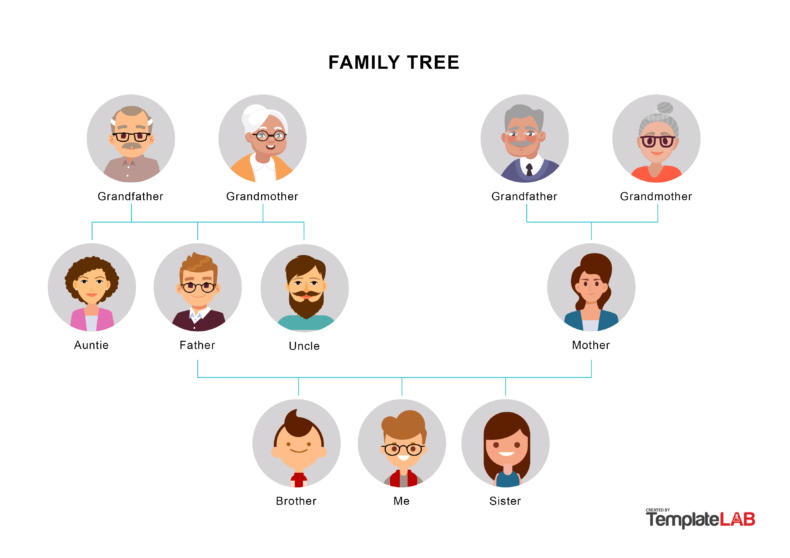
For a visual reference, see an example of a family tree diagram that showcases clean lines and clear labeling:
Design Tips to Enhance Readability
Clarity is king in family tree diagrams. Keep these best practices in mind:
- Consistent Shape and Size: Use uniform boxes or circles to avoid visual confusion.
- Readable Fonts: Sans‑serif fonts in 10‑12 pt work best for printed versions.
- Color Contrast: High contrast between text and background ensures legibility.
- Use Legends: Include a legend for color codes or symbols.
- Spacing: Adequate space between nodes prevents overlapping lines.
Testing the diagram on different devices (print vs. screen) guarantees that it remains accessible everywhere.
Storing and Updating Your Family Tree
Family trees are living documents that may grow with new research. Store your file in a cloud service such as Google Drive or Dropbox to ensure accessibility and version control. Consider using a versioning system or backup schedule to preserve older iterations, especially if you plan to publish or archive your work.
Conclusion
Creating a family tree diagram is a rewarding way to visualize your heritage and share it with future generations. By gathering precise data, selecting the appropriate layout, using the right tools, and focusing on clear design, you can build a diagram that not only looks professional but also tells the story of your lineage in a compelling way. Start today, and watch your family history unfold one node at a time.
Extended Family Tree Diagram With Grandparents, Parents, Uncles, Aunts
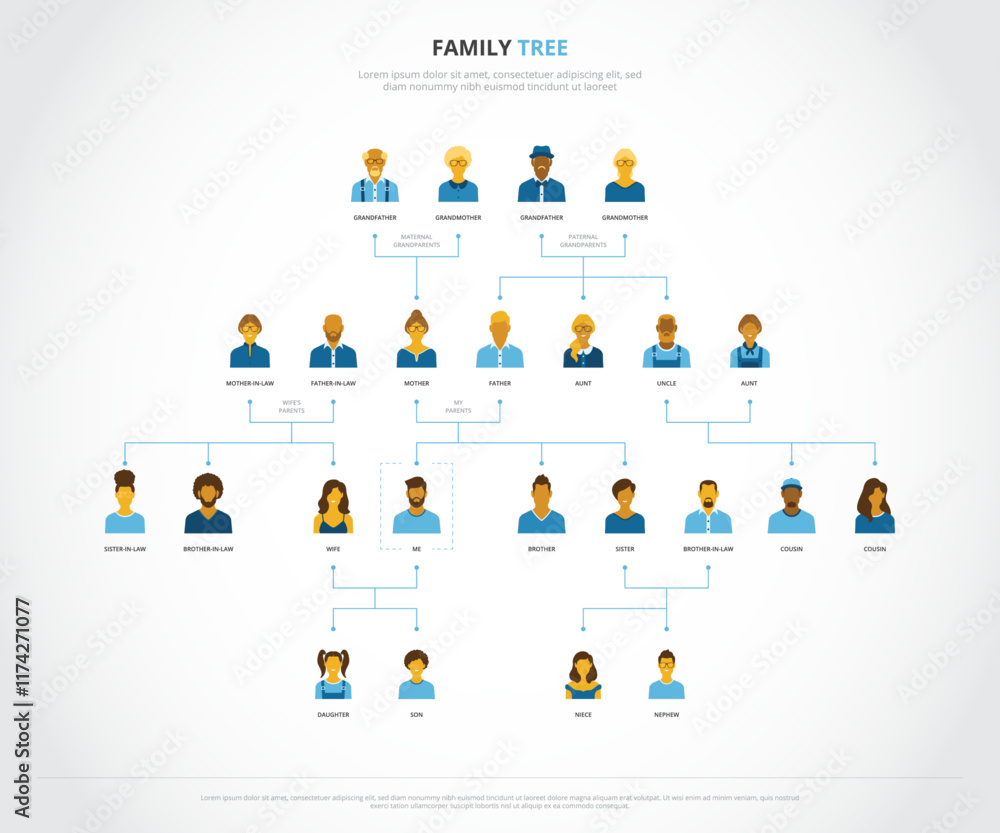
Extended family tree diagram with grandparents, parents, uncles, aunts ...
Extended Family Tree Diagram Simple Family Tree | Family Tree Template
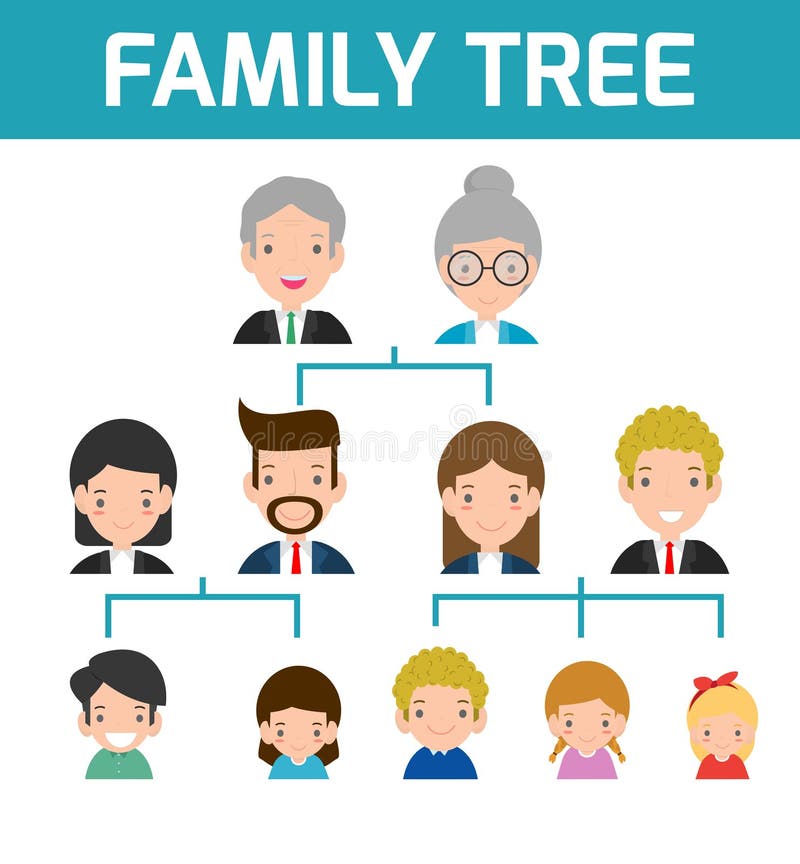
Extended Family Tree Diagram Simple Family Tree | Family Tree Template
How To Make A Family Tree Diagram (+ Examples) - Venngage

How to Make a Family Tree Diagram (+ Examples) - Venngage
Generation Chart Of Family Members
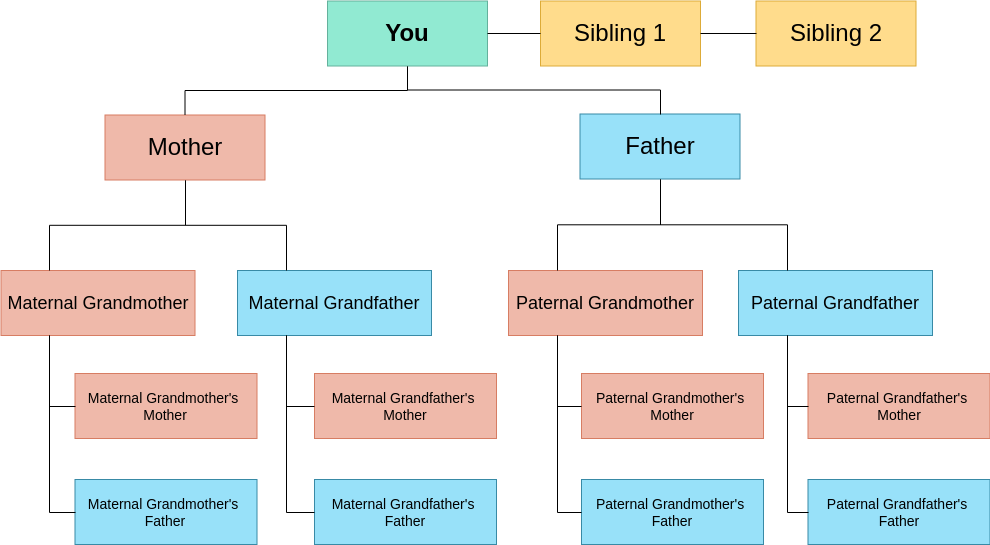
Generation Chart Of Family Members
Genealogical Family Tree With Diagram Genealogy Ancestry

Genealogical Family Tree With Diagram Genealogy Ancestry ...
Tree Diagram Of Family
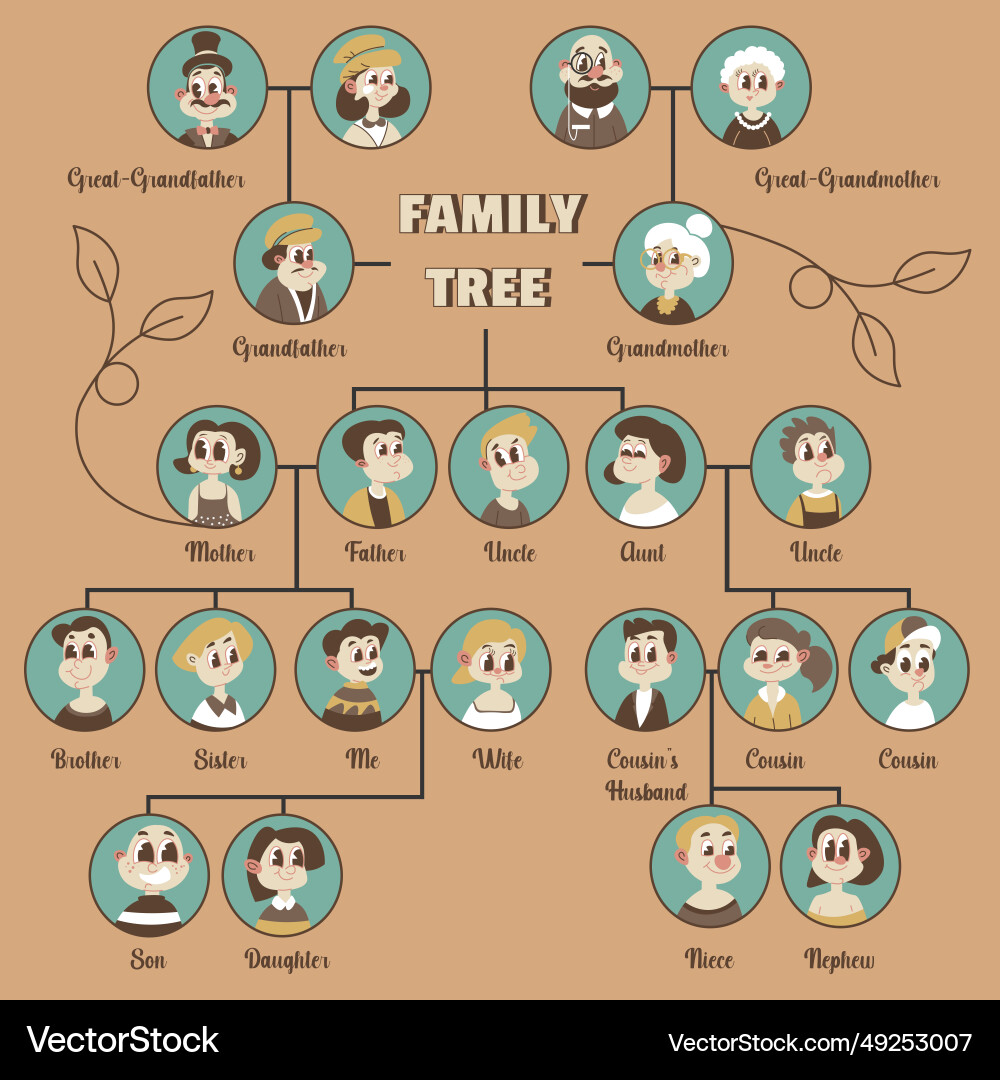
Tree Diagram Of Family
Generation Chart Of Family Members

Generation Chart Of Family Members
Extended Family Family Tree Diagram | Premium Vector

Extended family family tree diagram | Premium Vector
Tree Diagram Of Family
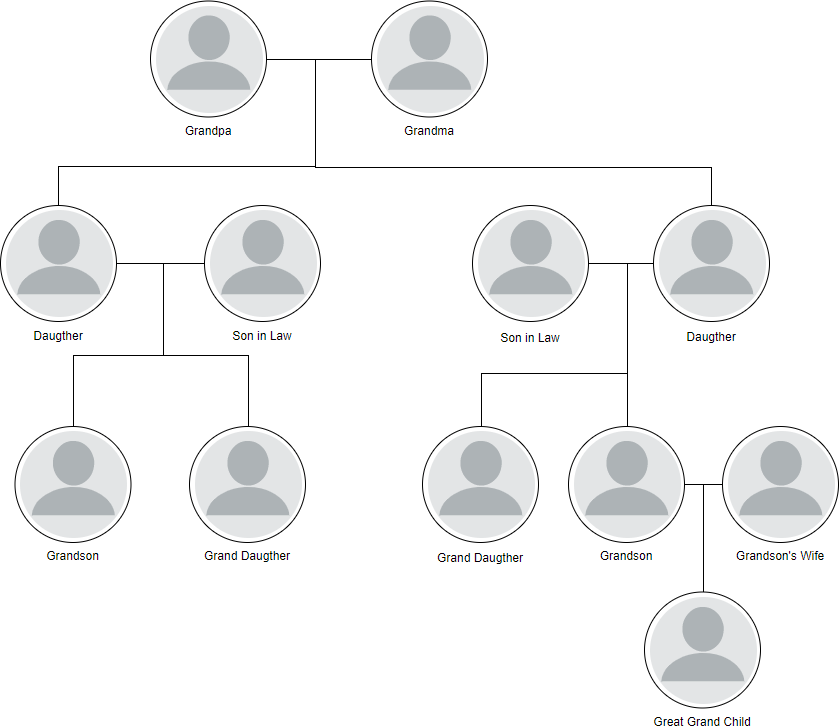
Tree Diagram Of Family
Diagram Showing Three Generation Family Tree Vector Image
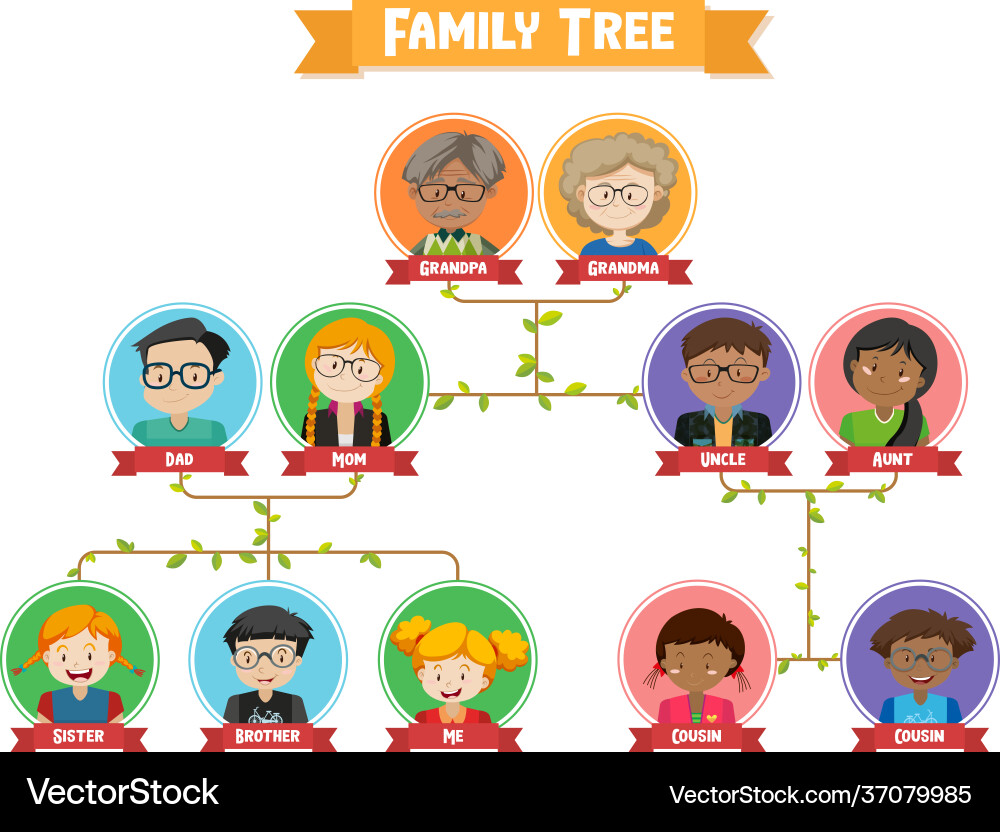
Diagram showing three generation family tree Vector Image
Genetic Family Tree Diagram _ Family Tree Diagram – QPZO
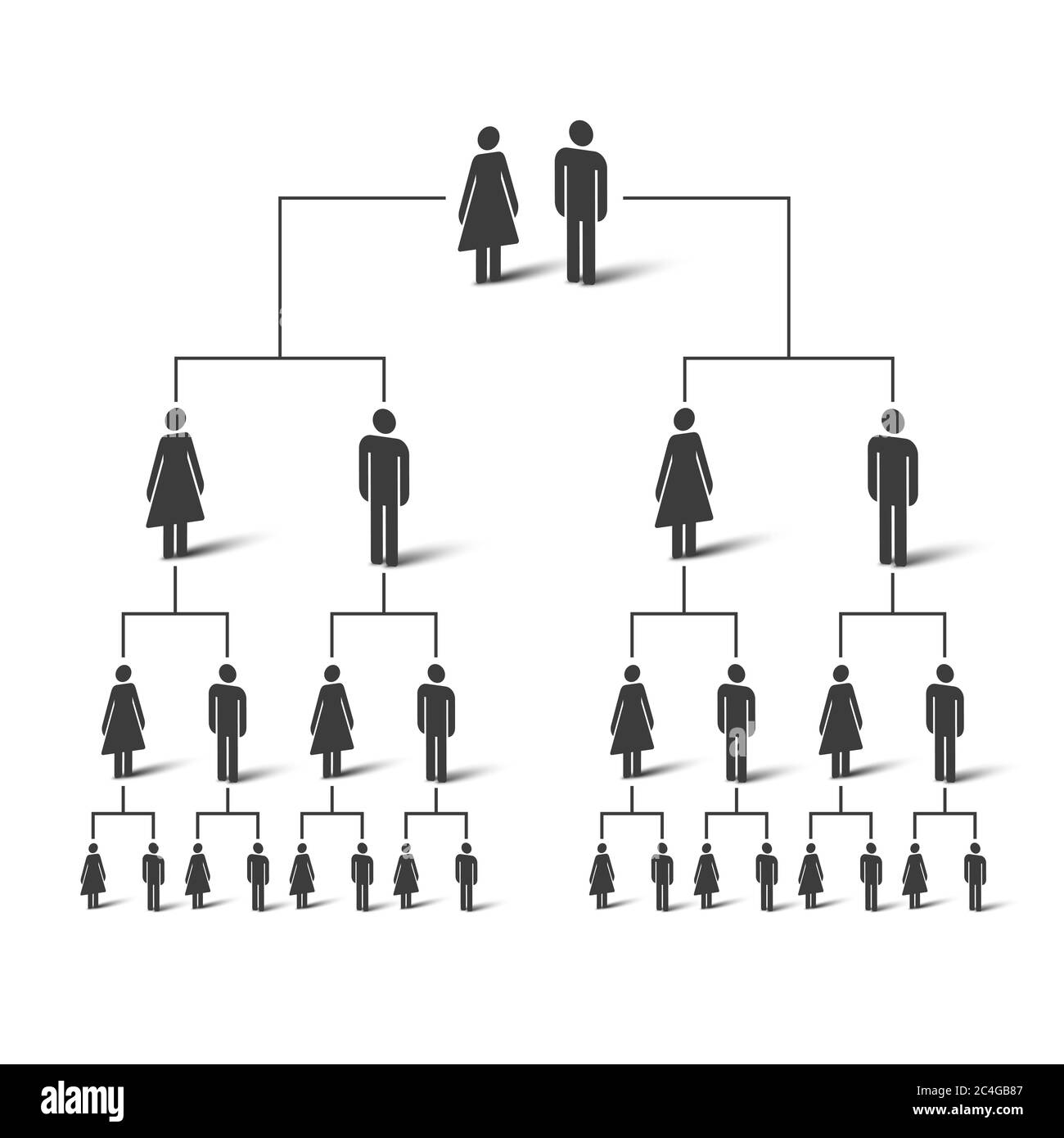
Genetic Family Tree Diagram _ Family Tree Diagram – QPZO
Family Tree ( Members Of Family ) Vector Illustration Vector De Stock
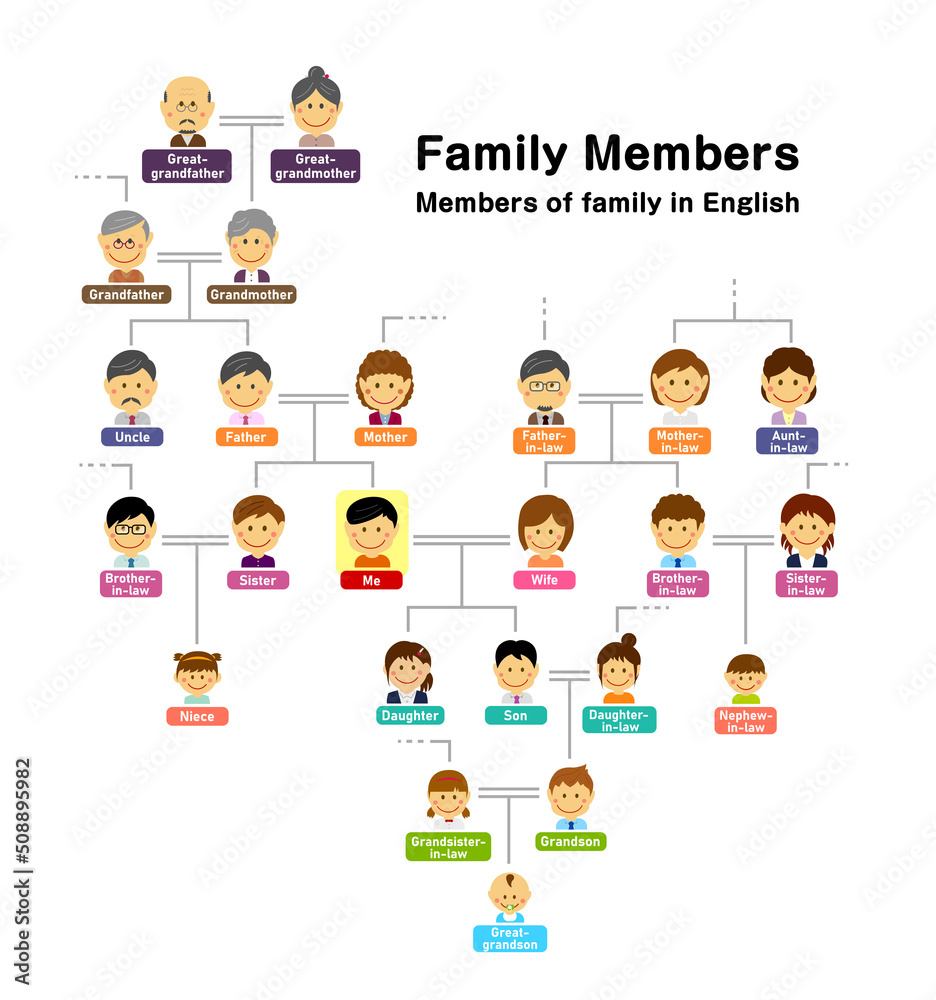
Family tree ( members of family ) vector illustration vector de Stock ...
Family Tree Diagram Of Members On A Genealogical Tree High-Res Vector

Family Tree Diagram Of Members On A Genealogical Tree High-Res Vector ...
Extended Family Tree Diagram Genealogy's Star: Dealing With Very

Extended Family Tree Diagram Genealogy's Star: Dealing With Very
Generation Chart Of Family Members

Generation Chart Of Family Members
Family Tree Of Three Generation. Grandparents, Parents, Children

Family tree of three generation. Grandparents, parents, children ...
Chart Family Tree Diagram

Chart Family Tree Diagram
Diagram Family Tree Generation Genealogy Group Stock Vector (Royalty

Diagram Family Tree Generation Genealogy Group Stock Vector (Royalty ...
Family Tree Diagram Vector Art, Icons, And Graphics For Free Download
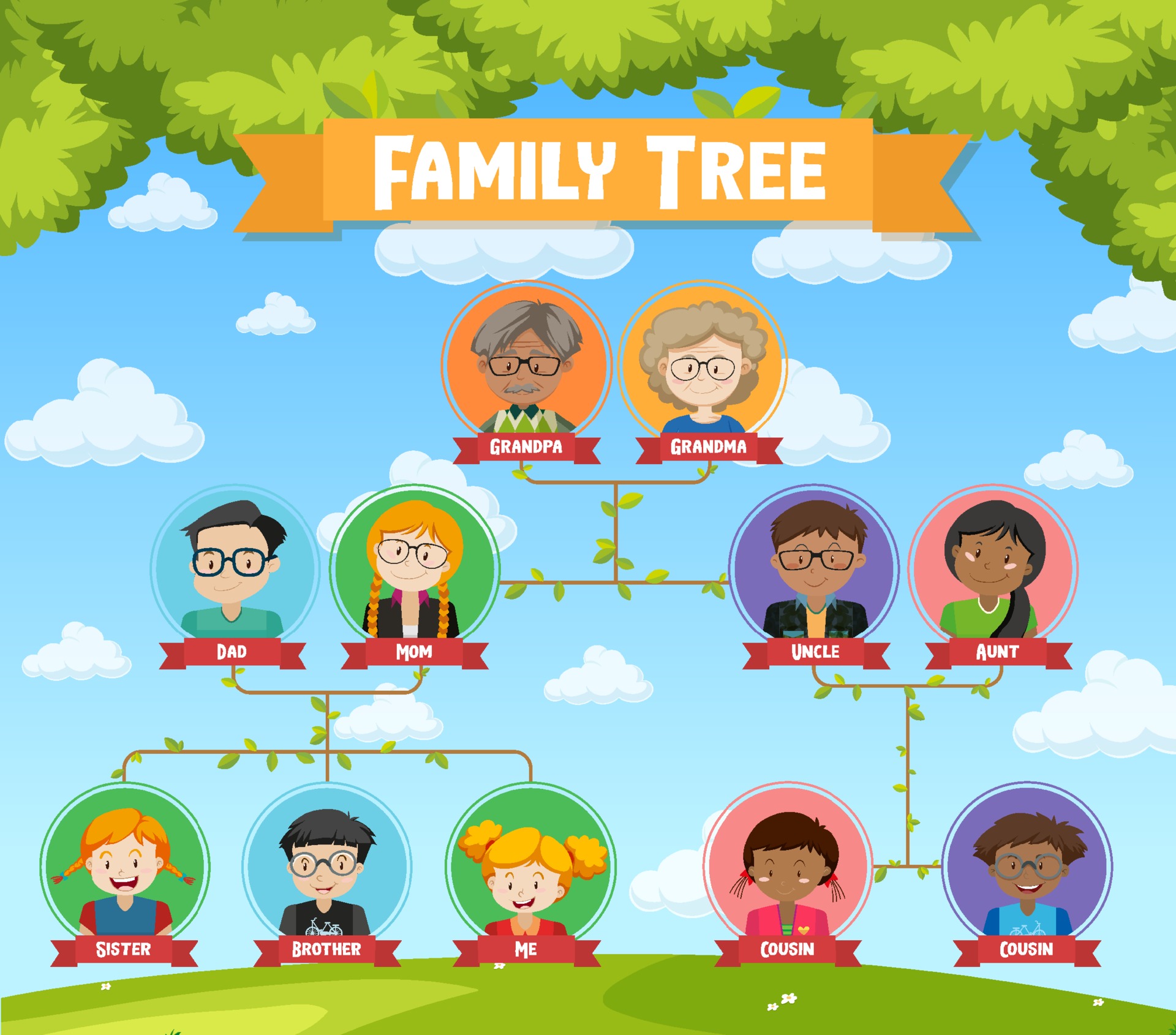
Family Tree Diagram Vector Art, Icons, and Graphics for Free Download
How To Make A Family Tree Diagram (+ Examples) - Venngage

How to Make a Family Tree Diagram (+ Examples) - Venngage
Family Tree Diagrams Templates
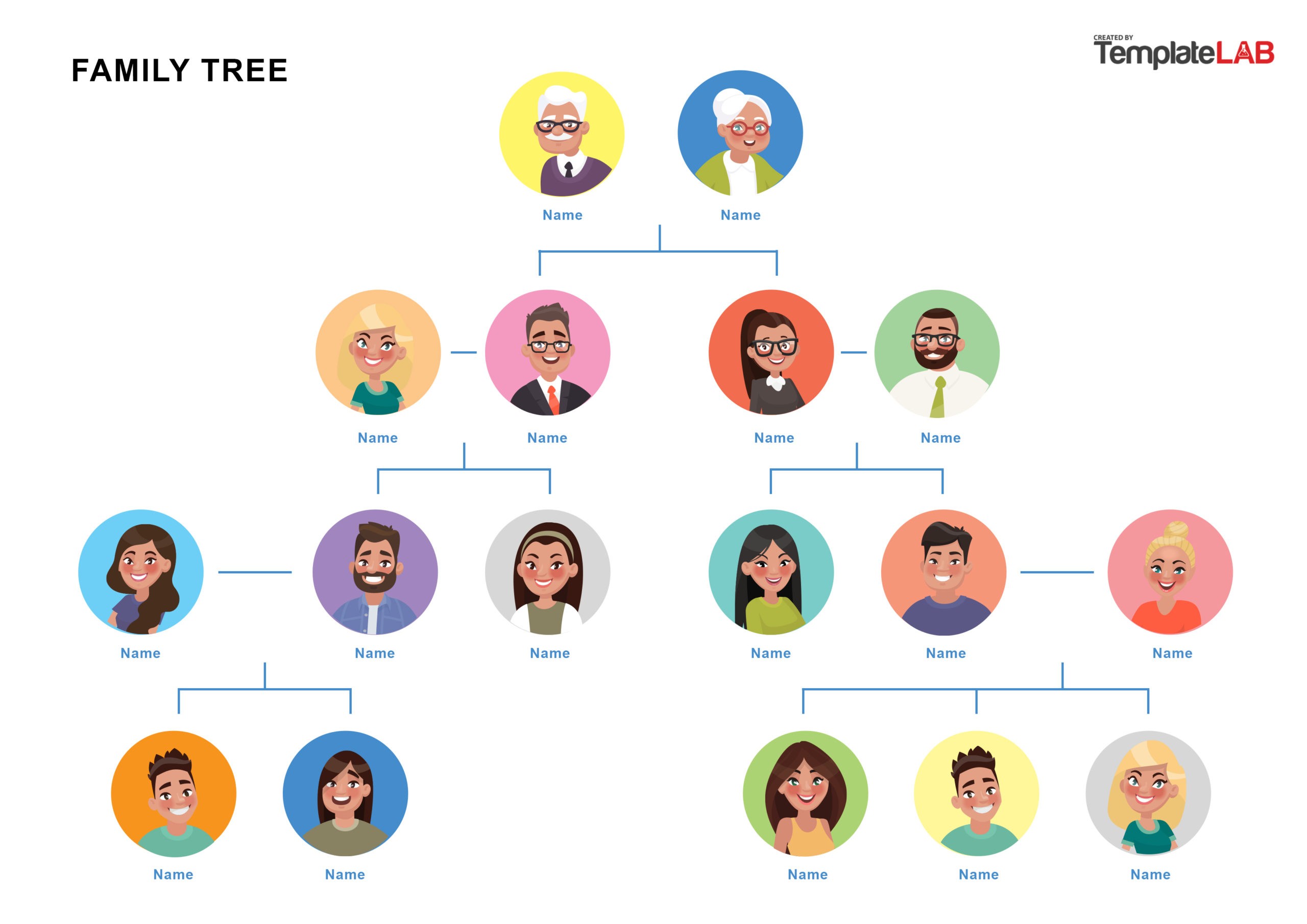
Family Tree Diagrams Templates
Family Tree Diagram Hi-res Stock Photography And Images - Alamy
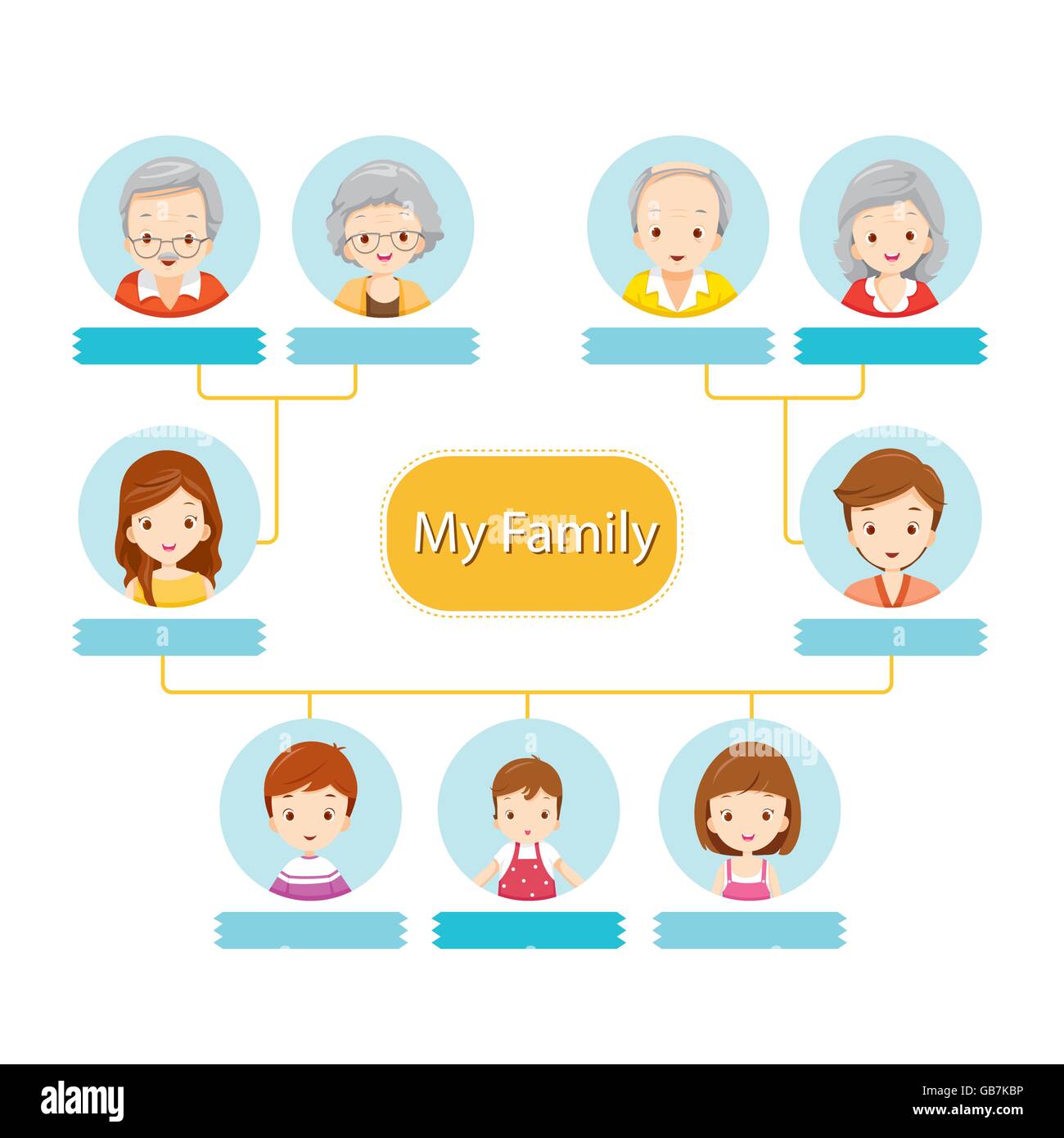
Family tree diagram hi-res stock photography and images - Alamy
Best 13 Diagram Showing Three Generation Family Tree – Artofit

Best 13 Diagram showing three generation family tree – Artofit